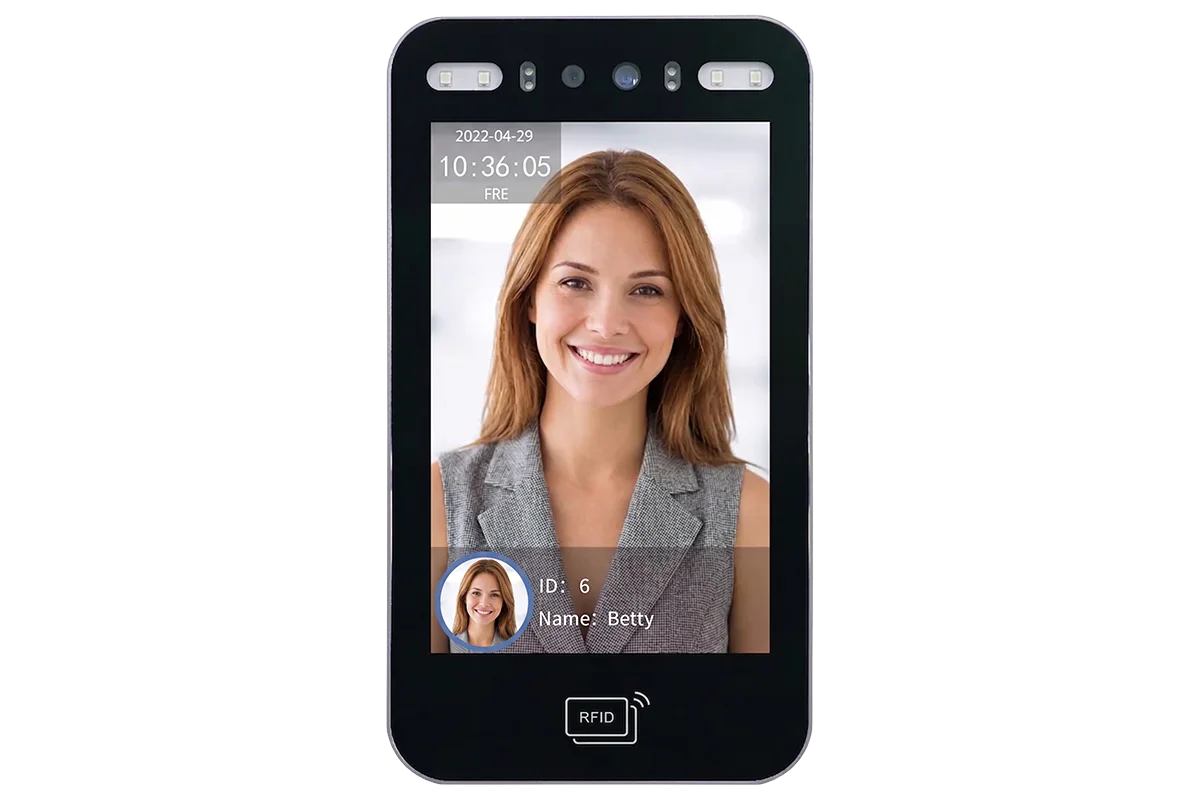
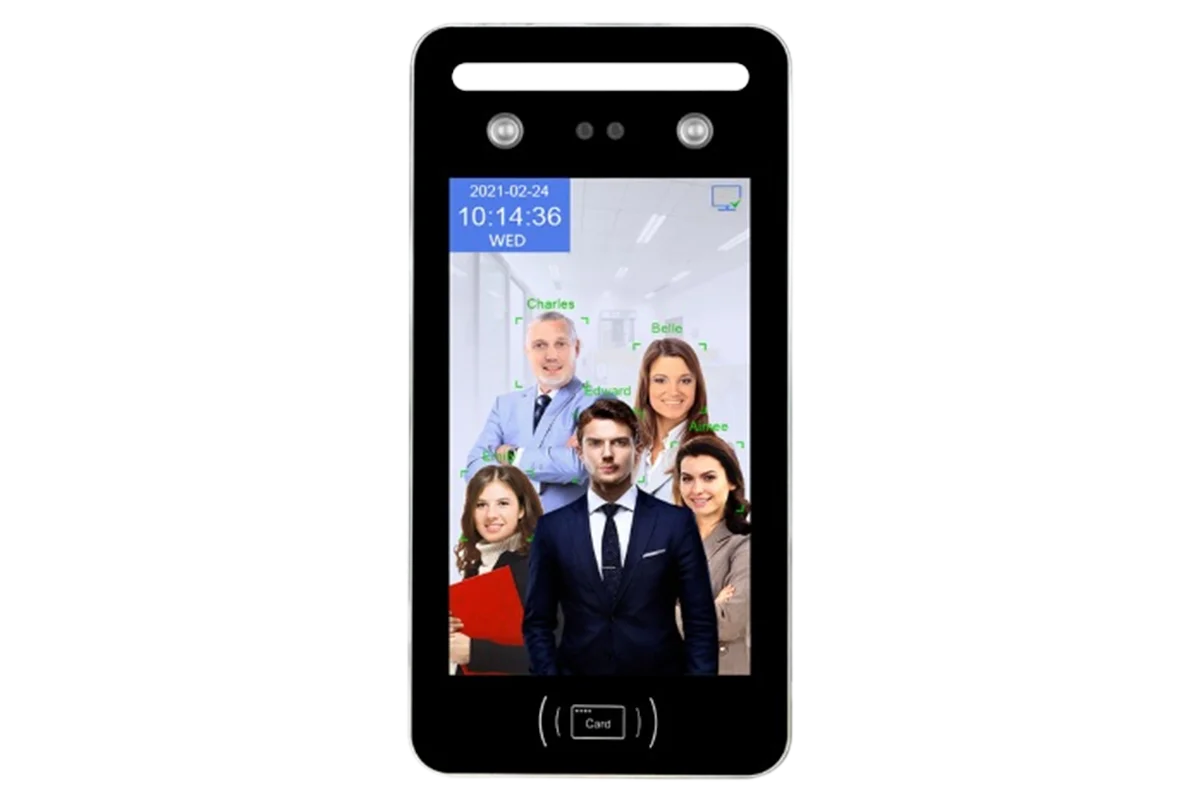
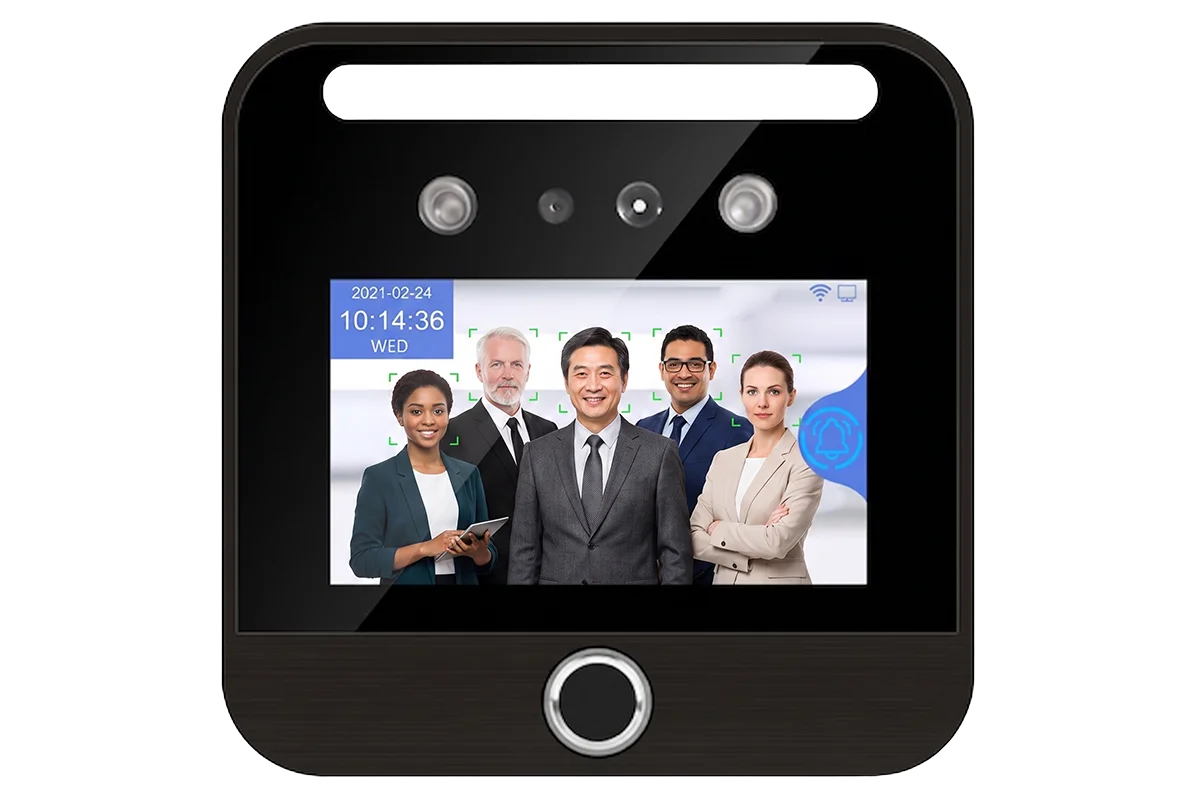
The POLIMEK Biometric Elevator Control System is a comprehensive security solution designed to manage and restrict floor access in various facilities. Comprising the PL-EC10 Elevator Control Expansion Board and the PL-AI318F AI Face Recognition Device, this system supports multiple verification methods including facial recognition, fingerprint, card, password, and QR code. It can seamlessly manage up to 16 floors (expandable to 64) and accommodate up to 15,000 users (expandable to 50,000), offering both user-selectable and direct-to-floor modes. With its robust desktop and cloud-based management software, it is the ideal access control system for commercial buildings, residential complexes, hotels, hospitals, and high-security facilities.
Sensitivity Adjustable
Led Display
High Precision
Password Protection
Led Light Indicator
Waterproof
Volume Adjustable
Modular Design
Pc Networking
Width Customizable
Ups Battery
Access Control Connection
Elevator Management: Can manage 1 elevator with 16 floors (expandable to 32, 48, 64 floors).
Access Modes: Supports two modes: user-selectable floors and direct-to-floor selection.
Integration: Supports one RS485 interface to connect AI face recognition front-end devices.
Safety and Control: Features a one-button enable/disable elevator management function and supports fire alarm linkage.
Compatibility: Compatible with various front-end Polimek AI face recognition devices.
Multiple Verification Methods: Integrated facial recognition, fingerprint, card, password, and QR code verification.
High Capacity: Supports up to 15,000 users (expandable to 50,000) and time-based access to allow users within their valid dates.
Flexible Authorization: Allows registering personnel information and authorizing floor access directly on the device, via USB drive, desktop software, or cloud platform.
Application Scenarios: Ideal for commercial buildings, residential apartments, hotels, hospitals, schools, government facilities, shopping malls, industrial parks, and high-security areas.
Specification
Elevator Control Expansion Board (Model: PL-EC10)
Supported Number of Floors
16 floors (expandable to 32, 48, 64 floors)
Communication Interface
RS485 (connected to AI face recognition devices)
Enable/Disable Elevator Management
Support
Fire Alarm Linkage
Support
Input Voltage
12V to 24V
Input Current
0.5A
Operating Temperature
-15°C to 60°C
Dimension
124mm x 70mm
AI Face Device Hardware Features (Model: PL-AI318F)
CPU / NPU
1.2G Dual-Core ARM Cortex-A7 / 600G (0.6T)
Memory
256M DDR3L RAM / 4G EMMC ROM
Camera
1/2.9 Inch FOV 75° 2MP HD color WDR camera & 1/5 Inch FOV 75° 2MP infrared camera
Fill Light
LED High-Brightness Fill Light, Double Infrared High-Power Fill Light
Display
5 Inch IPS touch screen, Resolution: 1280 x 720
Communication
TCP/IP, WIFI, USB type-A (Download and upload to u-disk)
Dual camera anti-counterfeiting; Dynamic face recognition: 0.5-2.5 meters, Live detection: 0.5-1.5 meters
Configuration
Device Composition: The system consists of the PL-EC10 Elevator Control Expansion Board and the PL-AI318F AI face recognition device (or other Polimek AI devices with RS485 function).
Desktop Software: A free, integrated professional solution for personnel management, attendance, access, and elevator control. Supports Access and MS SQL databases, features a user-friendly interface, and allows real-time image uploads.
Public Cloud Platform: A free cloud software offering high-speed, secure processing on Alibaba Cloud servers. It provides real-time synchronization of registration and recognition data, visitor management, and comprehensive elevator control.
Device Menu Configuration: Elevator control settings and floor authorizations can be managed directly via the device menu (Access -> Elevator Control) or uploaded efficiently via a USB disk using an Excel template.
Wiring Configuration: The expansion board wires directly into the elevator controller (PLC) and the elevator button signal lines, using distinct K+, K-, and M- connections to manage signals seamlessly.